
Supported file types
This plugin generates keywords and descriptions for all file types: photos, vectors and videos (please note that vector files are supported from version 0.5.9 and higher).
Automatically generate relevant keywords, titles and descriptions.
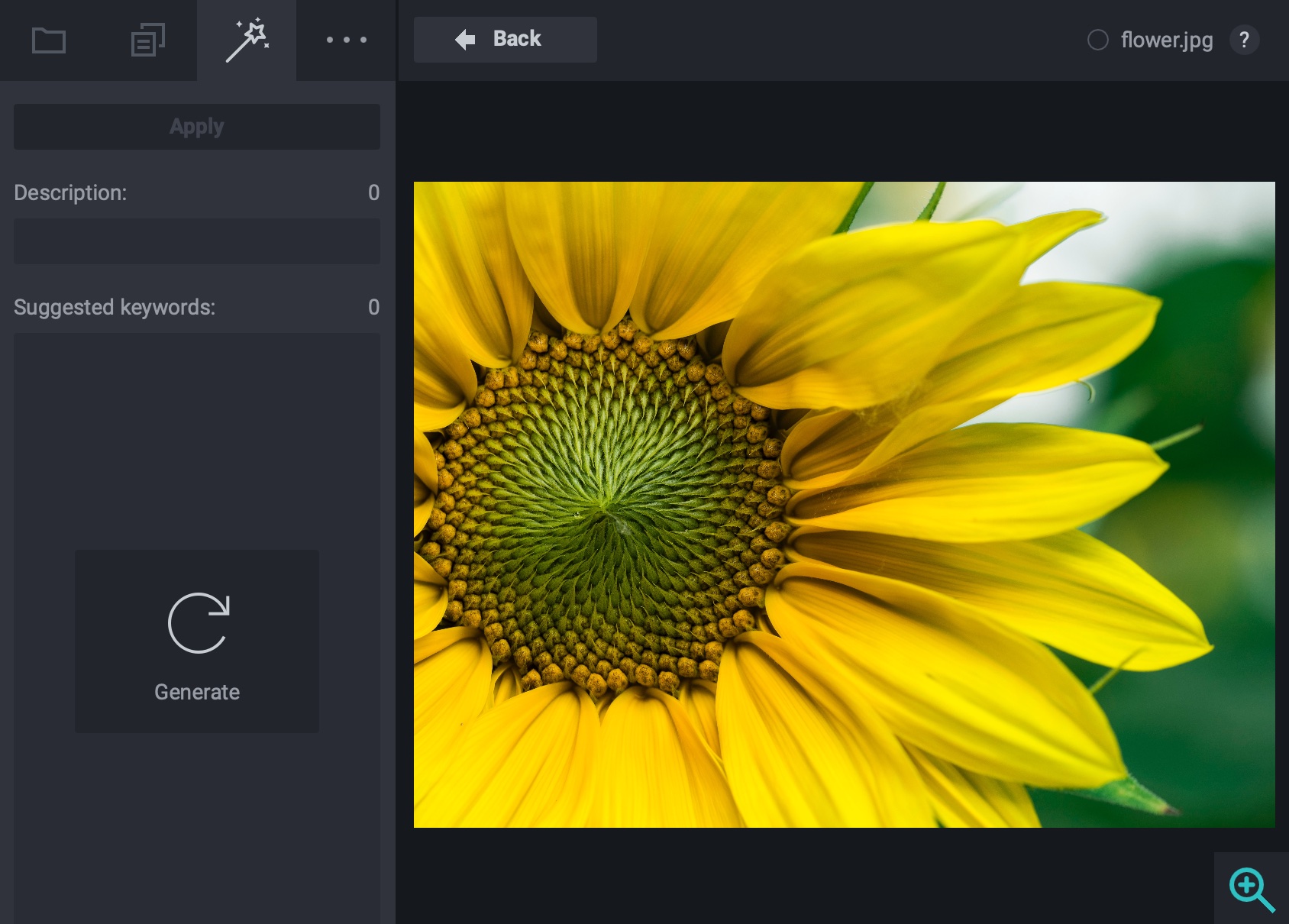
Automatically generate relevant keywords, titles and descriptions.
InstallAvailable only for Xpiks PRO+

Generate Title, Description and Keywords for your files

Save time by processing all your files in bulk

Photos, Vectors and Videos are supported
You can generate and apply keywords and description with a click of a button. It significantly reduces time that is required for keywording. Check for detailed usage guide in tutorials.
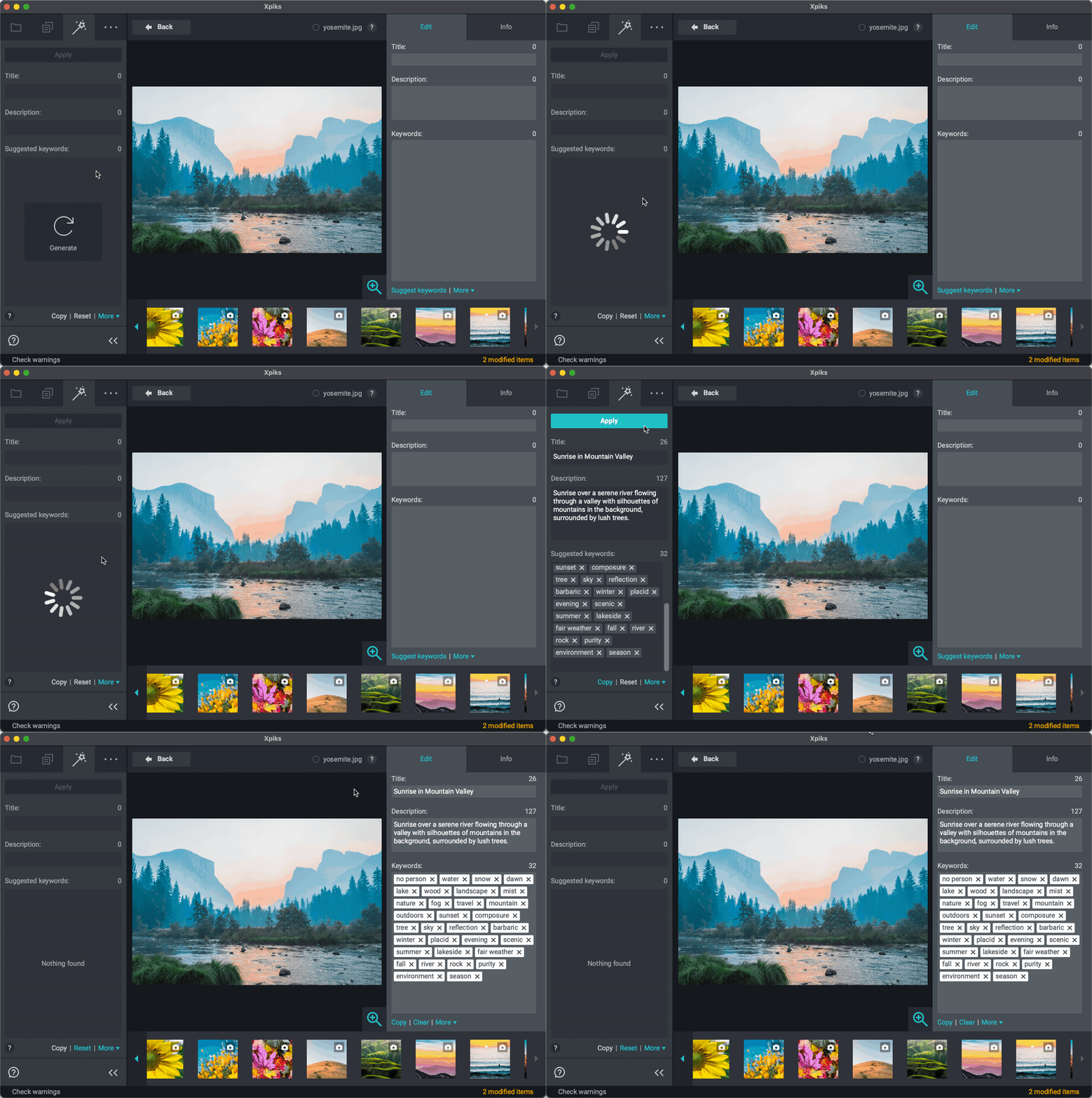
Xpiks uses image recognition and keywords enhancing magic to generate keywords
processed files in January, 2026
plugin downloads last week
All Xpiks Pro+ customers are automatically granted every month 4,000 included credits*.
Metadata generation incurs credits. Keywords-only generation costs 1 credit per file and with description and title it costs 5 credits per file. Should you need more credits, you can top up your account at any time.
3,000 extra credits
5,000 extra credits
10,000 extra credits
* Included credits expire each month unless you use none at all. Purchased credits do not expire while your subscription is active. Credits are not refundable. Included credits are always used prior to purchased credits.
1,000 files at once without description and to 200 files with description. We're working on increasing these limits in future. Amount of times you can run batch generation depends entirely on the amount of credits on your balance and is not limited otherwise.
Tools -> Plugins -> Auto Keywording -> Top up X credits or via the bottom "More" menu in the plugin tab.
4,000 monthly credits. Normally, these don’t carry over. But if you don’t use any credits in a month, your full monthly amount gets added to the next month - no credits wasted! Plus, any credits you purchase separately will always roll over and stay available until you use them.
Xpiks recommends to use the plugin as a starting point for your keywording and not as a replacement of one. Keywording is the 2nd most valuable thing (after the content itself) that affects sales of your artworks and we treat it seriously (check numerous studies in our blog). Note that image recognition is not a precise science and AI can and will make mistakes. Always check the suggested metadata yourself before saving your files.
Starting with Xpiks 1.7.5 you can also generate full automatic metadata when using Cloud Upload. It uses the same system that powers this plugin. This is as close to "full automation" of processing your files as it gets.
Use of this plugin is a subject to additional terms and conditions. You will be presented with consent dialog when installing plugin in Xpiks.
Main condition of these terms is that in order to generate automatic keywords you must authorize Xpiks to upload a significantly downscaled copy of your photo to the server and/or any involved vendor. Please read the whole document when installing the plugin and don't use the plugin if you do not agree.

Works on macOS, Windows and Linux